

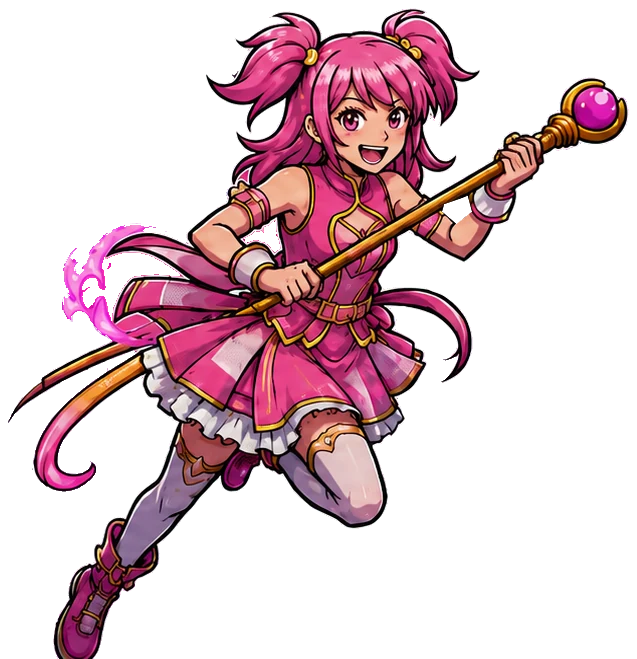
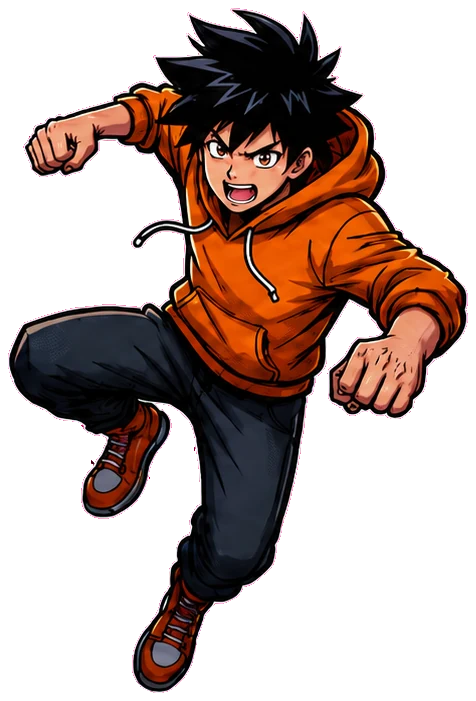
Upload one imageStart with a logo, title, handwriting, or lettering artwork. The image on the right is a placeholder. Press remove, then drop in your own.
Turn onelettering imageinto a completefont
Upload a logo, title, handwriting, or stylized lettering.MakeAFont creates matching letters, numbers, andsymbols, including characters that weren’t in theoriginal image.Upload your lettering. MakeAFontbuilds the matching letters, numbers,and symbols.
Free first previewno card neededFull A–Zfrom one image3 fonts €2.99no subscription
Trusted by designers, illustrators, game developers and creators worldwide
Logos & brandingGames & UIComics & postersMerch & social content
MakeAFont tools
Start with what you already have
Turn one image into a font, import a complete alphabet, or refine every detail in the workshop.
01
Image to Font
↗Create matching letters, numbers and symbols from one lettering image.
02
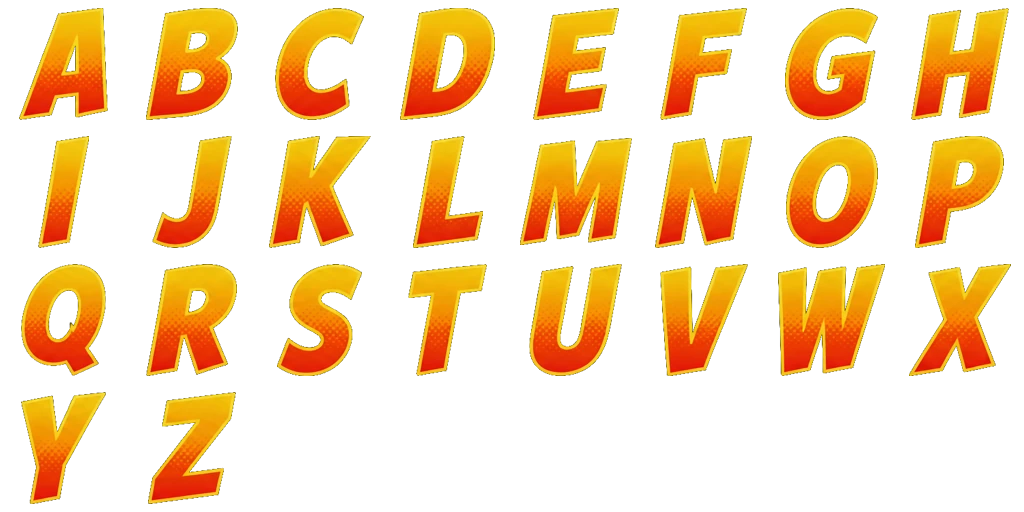
Character Grid to Font
↗Import a complete character grid without redrawing its style.
03
Handwriting to Font
↗Fill a labelled sheet by hand or digitally, then upload the page.
04
Font Workshop
↗Edit every detail using the free sample font.
300+
fonts created with MakeAFont
See what one image can become.01 · AI font generatorCreate a font from one image
Upload a logo, title or lettering crop. MakeAFont uses it as a visual reference to create matching letters, numbers and symbols, including characters that were not in the original image.
- Choose letters only, full ASCII or all 73 glyphs
- Keep colours, shading, outlines and soft edges
- Export TTF, WOFF2, SVG and transparent PNG files

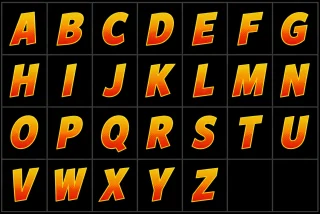
02 · Character grid to fontTurn a complete character grid into a real font
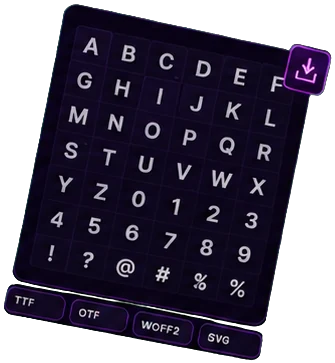
Already drew every character? Upload your alphabet or sprite-sheet grid, confirm the cell order and convert the image to an installable TTF without redrawing your artwork.
- Maps each supplied drawing to the correct character
- Preserves the exact artwork in every imported cell
- Writes your spacing and kerning into the download
03 · Handwriting to fontMake your own handwriting font
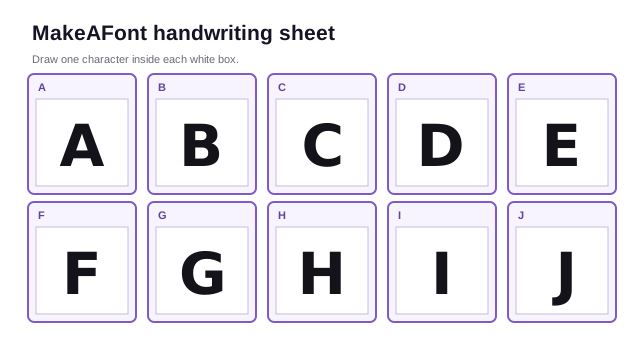
Download the labelled sheet, write or draw inside its boxes, then upload the complete page. Every box maps directly to a real character without guessing or changing your handwriting.
- Fill the template on paper or in a drawing app
- Blank cells are reported instead of silently invented
- Test words, adjust spacing and export a downloadable font
04 · Online font creatorRefine every detail in the Font Workshop
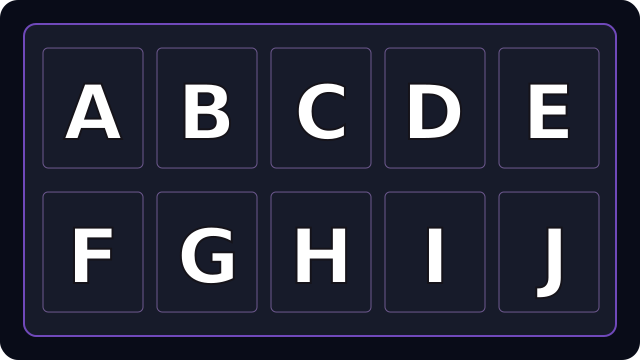
Use the free sample font to try the tools. Buy any token pack to edit your own new fonts, with glyph repair, colours, kerning and spacing in your browser.
- Protected originals make risky pixel edits reversible
- Preview on dark, light and checkerboard backgrounds
- Download every saved change in the final font files
Built for Every
Creative Workflow
Whether you are building an indie game in Unity, selling digital design templates on Etsy, or editing viral YouTube thumbnails in Canva, turn any image of text into a full installable font.
AI-Powered
Production Ready
Commercial Use
Export in Seconds
Indie Game Developers
Godot • Unity • Unreal Engine • GameMakerTurn stylized game title art, arcade logo concepts, or manga HUD text into a complete colour font: a .ttf with automatic kerning, plus the .fnt atlas descriptor and its atlas for one draw call per string.
Etsy & Digital Asset Sellers
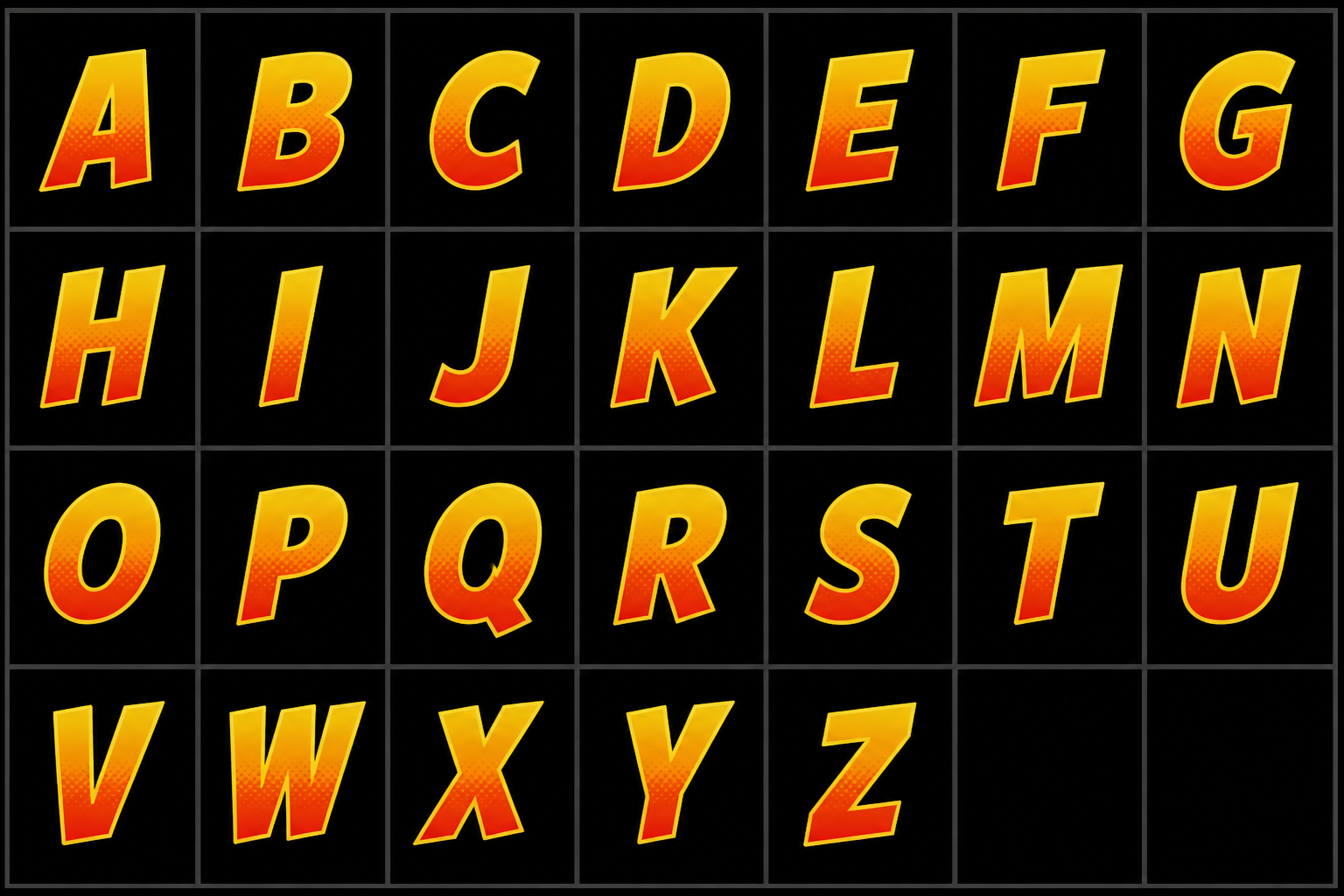
Etsy • Creative Fabrica • Envato • Teachers Pay TeachersTurn a single drawn word or vintage lettering sample into a full A-Z family, with a colour vector of every character. Stop spending hours manually tracing letters.
Canva, Photoshop & YouTube Creators
Canva Pro • Photoshop • CapCut • Figma • PremiereCreate viral video thumbnail titles and graphic banners. Upload any custom thumbnail lettering or graphic snippet, generate the matching font file, and upload it directly into Canva or Photoshop.
Merch, Apparel & Brand Designers
Streetwear • Apparel Drops • Podcasts • Album ArtConvert custom logo lettering into complete brand typefaces. If your streetwear brand or podcast has a stylized 1-word logo, generate the full matching alphabet for merch designs and promotional banners.
One Picture In, A Whole Alphabet Out
Real fonts made from real artwork. Explore a few from the showcase.
Stitch Safari
73 glyphsGoblin Gelato
73 glyphsMoth Cathedral
73 glyphsFrequently asked questions
Formats, licences, compatibility and what happens to your artwork.
How do I turn an image or screenshot into a font file?
Upload a screenshot, a logo or a piece of title art. The model reads the letterforms that are in it, draws the characters your art does not contain in the same style, and compiles the result into a .ttf you install on Windows or macOS like any other font.
What file formats do I get?
A .ttf font file, a .woff2 for the web with a ready made font.css, one .svg vector per character, and one transparent .png per character. The .ttf installs like any other font. The .woff2 is the format browsers expect and is about half the size, so it is the one for a store listing or your own site; the stylesheet has the @font-face rule already filled in. The vectors are for cutting, printing and anything that needs to scale. The images are the exact original artwork with nothing approximated.
Can I use it in Canva, Photoshop or CapCut?
Yes. Install the .ttf and it shows up anywhere that lists your system fonts, which covers Photoshop, Illustrator, Premiere and CapCut. Canva Pro lets you upload the file yourself. Colour fonts are not supported everywhere, and where they are not you get a clean single-colour silhouette rather than nothing; the SVG files are how you get the colour in.
Will the colour work everywhere?
No, and no colour font does. It renders in full colour in Chrome, Edge and Firefox, in every Mac application including Photoshop and Illustrator, and in Windows and Adobe as flat colour bands. Anywhere that does not support colour fonts, you get a clean single-colour silhouette rather than nothing. If you need colour there, use the SVG files.
Can I sell products made with the font?
Yes. Use your font in games, merchandise, print, video and digital products, with no royalties or attribution. Selling or distributing the font, vector or image files themselves requires a plan with resale rights: Seller. See the licence and terms for the full conditions.
Can I use it on Etsy, Redbubble or Printful?
Yes. You can sell products that use the font, such as shirts, mugs, prints and digital templates. Including the font files themselves in a download requires resale rights. See the licence and terms for the conditions.
Does it work with Godot, Unity and Unreal?
The font is an ordinary .ttf, so any engine that loads a font will load it. The engine download also carries the .fnt atlas descriptor and its atlas, a Godot import file and a Unity importer that builds a Font asset, so the files land ready to use rather than needing setup. The in-editor plugins for Godot, Unity and Unreal are still in progress, so for now you drop the files into your project yourself.
Does it work with Cricut and Silhouette?
Use the SVG files rather than the font. Cutting software works in paths, and a colour font is not a path, so the vector export is what those tools are built to take.
Do you train AI on the art I upload?
No. Your art is processed only to produce the font you asked for, and it is not sold or shared with anyone.
Who owns the font I generate?
You do, and you owe us nothing further for it. The full terms are on the licence page, and they are short enough to read.
What happens if a generation fails?
It costs nothing. Credits are taken on success only, and the price of any paid action is shown before you confirm it.